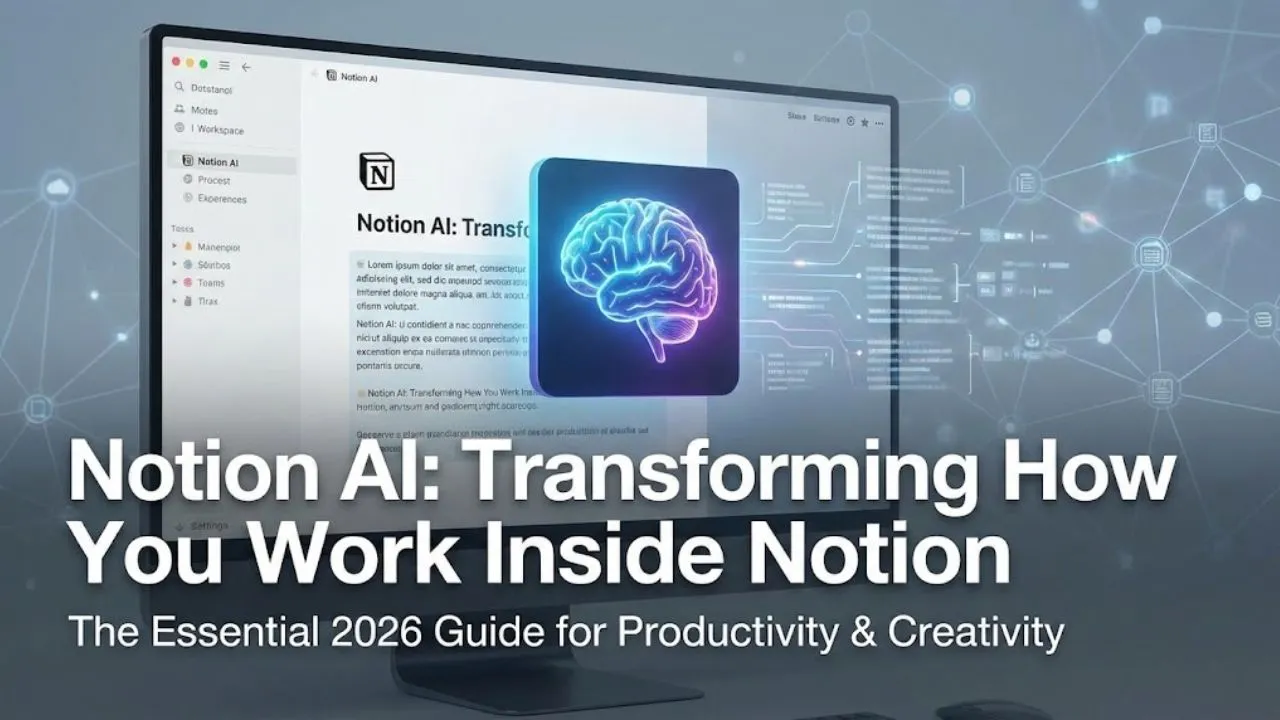
Notion AI is one of the most seamlessly integrated AI assistants built directly into a productivity workspace. Launched in late 2022 and massively upgraded through 2023–2025, Notion AI turns your Notion pages into a living, thinking document — helping you write, brainstorm, summarize, translate, fix grammar, generate ideas, extract action items, and even turn rough notes into polished blog posts or meeting recaps in seconds.
In early 2026, Notion AI is no longer a “nice-to-have” add-on — it’s become a core part of how power users, teams, creators, students, and companies actually get work done inside Notion.
Here’s the complete picture of Notion AI today — including features and behaviors that many casual users still haven’t fully discovered or used.
What Notion AI Actually Does (Feb 2026)
Notion AI lives inside every page, database, and block — no separate app, no copy-pasting into ChatGPT. You highlight text or type /ai and it instantly helps with:
- Writing & Drafting “Generate a blog post introducing Notion AI” → full first draft in ~15–40 seconds “Write a professional cold email to a potential client” → tailored, persuasive copy
- Brainstorming & Ideas “Brainstorm 10 ways to promote our new feature” → structured list with pros/cons “Give me 5 creative taglines for a productivity app”
- Summarizing & Extracting Highlight long meeting notes → “Summarize key points and action items” Paste a 10-page PDF → “Extract main conclusions and quotes”
- Editing & Polishing “Fix spelling and grammar” “Make this paragraph more engaging and concise” “Rewrite in a friendly, conversational tone”
- Translation Highlight text → “Translate to Spanish / French / Hindi / Urdu” (real-time, very accurate in 2026)
- Content Transformation “Turn these bullet points into a full LinkedIn post” “Convert this meeting transcript into a Notion task database”
- Database Magic In a Notion database → “Suggest new properties based on existing data” “Generate 20 product ideas with descriptions and pricing”
How to Actually Use Notion AI (Quick Start)
- Open any Notion page
- Type /ai or highlight text → AI menu appears
- Choose from suggestions or type your own request
- “Continue writing”
- “Improve writing”
- “Brainstorm ideas”
- “Summarize”
- “Translate”
- “Fix grammar”
- Or just free-type: “Write a Twitter thread about AI productivity tools”
- Press Enter → AI generates instantly
- Use Regenerate, Edit, or Try again buttons to refine
Pro Tip: The more context you give (previous notes, project details, brand voice), the better it gets. Notion AI remembers the page you’re on — so it’s already “aware” of your workspace.
Hidden / Lesser-Known Features in 2026
- Page-Level Memory & Context Notion AI reads the entire current page + linked pages automatically → answers feel surprisingly personalized (e.g., “What did we decide in last week’s meeting?” pulls from your database).
- Database Auto-Generation Type /ai in a new database → “Generate properties and 20 sample entries for a content calendar” → instant setup.
- Multi-Language Power Translation quality jumped dramatically in 2025–26 — now handles Urdu, Hindi, Arabic, Punjabi, Bengali, and regional dialects very well.
- “Ask AI to continue” Shortcut Highlight incomplete text → press Ctrl/Cmd + / → “Continue writing” → picks up tone and style perfectly.
- Voice Input (Mobile & Desktop Beta) On iOS/Android apps and some desktop versions → speak your prompt → AI writes from voice (great for brainstorming on the go).
Pricing & Access (Early 2026)
- Free Notion plan → Limited AI usage (few generations per day)
- Notion Plus (~$8–10/user/month) → Unlimited AI responses (best value for individuals)
- Notion Business / Enterprise → Unlimited AI + team workspaces, admin controls, SOC 2 compliance
Most serious users upgrade to Plus — unlimited AI is worth it for daily writing/brainstorming.
Real-World Use Cases in 2026
- Content Creators → Blog drafts, YouTube scripts, social captions
- Marketers & Agencies → Campaign ideas, ad copy, email sequences
- Students & Researchers → Summarize papers, generate outlines, translate sources
- Teams & Startups → Meeting notes → action items, brainstorming docs
- Solopreneurs → Product descriptions, landing page copy, newsletters
- Educators → Lesson plans, quizzes, study guides
Strengths & Limitations
Strengths
- Lives inside Notion → no context switching
- Remembers your page/workspace → feels personal
- Extremely fast & accurate for writing/editing
- Strong multilingual translation
- Unlimited on Plus plan → great value
Limitations
- Weaker at very long-form creative writing vs. Claude
- No native image/video generation (yet)
- Free tier very limited
- Still can hallucinate on niche/current-event facts (use web search toggle)
Read Also: Suno AI: The Easiest Way to Create Full Songs from Text in 2026
Final Verdict
Notion AI isn’t trying to replace ChatGPT or Claude — it’s trying to be the smartest assistant inside your actual workspace.
If you already use Notion daily, Notion AI is a game-changer: it reads your notes, understands your projects, and helps you write, brainstorm, summarize, and organize without ever leaving the page.
Quick test you can do right now: Open a blank Notion page → type /ai → paste this: “Write a 500-word blog post introducing Notion AI to beginners, in a friendly and motivational tone.”
You’ll see why millions quietly rely on it every day.
What’s your favorite Notion AI use case? Share in the comments!
Disclaimer: This article is based on Notion AI’s publicly available features, workspace integration, and usage patterns as of February 2026. AI generation quality, language support, credit limits, and pricing can change with updates. Always refer to notion.so/ai or your Notion workspace for the latest capabilities, terms, and plan details.