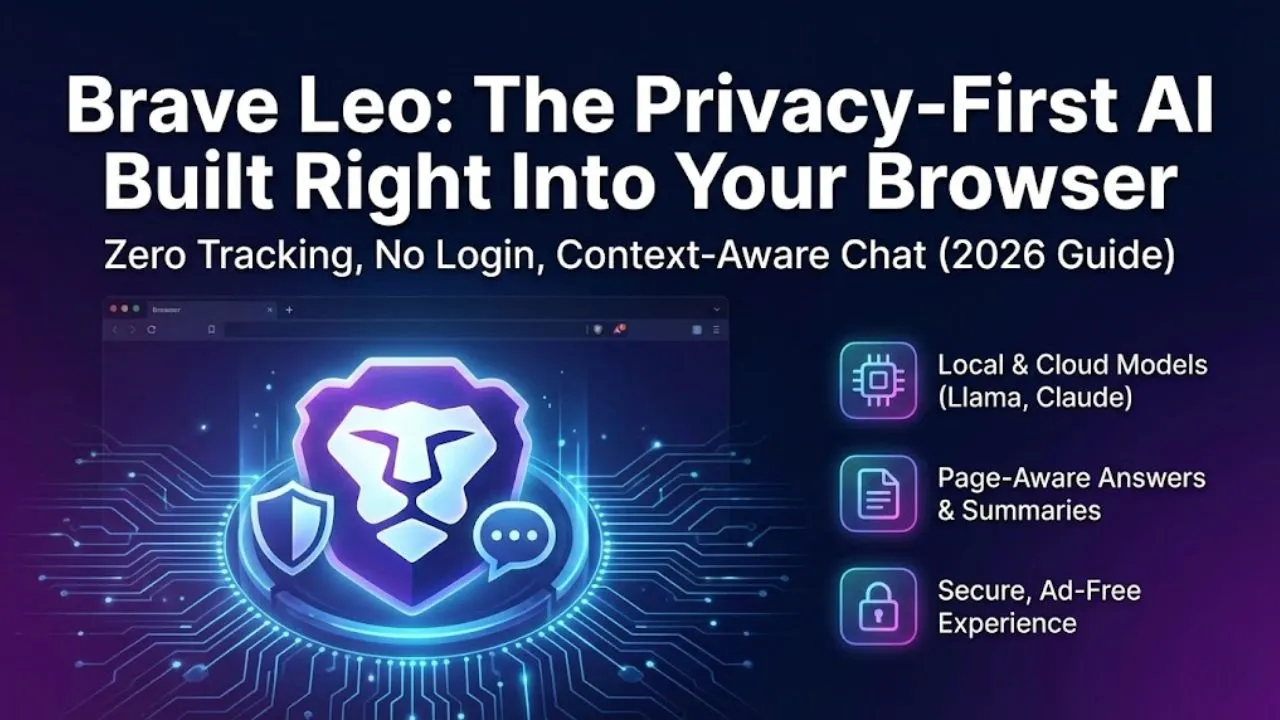
Brave Leo is the built-in AI assistant that comes free with the Brave browser. It’s one of the few AI companions that truly lives inside your browser — no separate app, no login required, no data sent to third-party servers by default. Powered by a mix of open-source and frontier models (Llama 3.1, Mixtral, Claude 3 Haiku, and others), Leo has grown from a basic sidebar helper in 2023 into a genuinely capable, private AI chat that many people use daily without even realizing how strong it has become.
In February 2026, Brave Leo is still the quiet favorite for users who want fast answers, strong privacy, zero tracking, and seamless integration with browsing — without ever leaving the browser window.
What Makes Brave Leo Different?
- Zero tracking by default — conversations never leave your device unless you explicitly allow cloud models
- No account/login needed — works instantly in Brave
- Mix of models — you can switch between local (Llama 3.1 8B/70B) and cloud (Claude 3 Haiku, Mixtral, etc.)
- Context-aware browsing — Leo sees the current webpage and answers questions about it
- Sidebar + full-page chat — quick side panel or expanded chat view
- Image generation — built-in Flux.1 and Stable Diffusion 3 support
- Voice input/output — speak to Leo, hear replies (mobile especially strong)
Leo’s core philosophy: “Privacy by design, no ads, no data harvesting.”
Key Features & Hidden Strengths (Feb 2026)
- Page-Aware Answers Highlight text on any webpage → right-click → “Ask Leo about this” → it reads the page and answers directly. Example: Reading a technical blog → “Explain this code snippet in simple terms” → instant breakdown.
- Local vs Cloud Toggle
- Local mode (Llama 3.1 8B/70B) — 100% private, offline-capable (if model downloaded), no data leaves device
- Cloud mode (Claude 3 Haiku, Mixtral, etc.) — faster, smarter, but data goes to provider (still no Brave tracking) Most users never change this — but local mode is perfect for sensitive work.
- Image Generation Inside Chat Type “Generate an image of…” → Flux.1/SD3 quality results right in the chat. No separate tab or app needed.
- Voice Mode on Mobile Speak questions → get spoken replies with natural tone. Works offline for local models — huge for travel or low-data situations.
- No Rate Limits on Local Models Once you download Llama 3.1 8B/70B (via Brave settings), you get unlimited offline chats — no daily caps.
How to Use Brave Leo (Quick Start)
- Use Brave browser (download from brave.com if you don’t have it)
- Click the Leo icon in the sidebar (lion head)
- Start typing — no login
- Toggle between Local (private/offline) and Cloud models in settings
- Highlight webpage text → right-click → “Ask Leo” for context-aware answers
Pricing & Access (Early 2026)
- 100% Free — core Leo experience
- Unlimited local model chats
- Limited daily quota on cloud models (Claude, Mixtral)
- Image generation (limited daily)
- Voice mode
- Brave Premium / Leo Premium (optional, ~$9.99–$14.99/month)
- Unlimited cloud model access
- Priority responses
- Higher image gen limits
- Early access to new models/voice styles
Most users stay completely free — local models are powerful enough for daily use.
Real-World Use Cases in 2026
- Quick research while browsing – “Summarize this article”
- Code help – “Explain this error in my React code” (with page context)
- Image generation – “Create a cyberpunk wallpaper” mid-browse
- Language practice – Converse in any language
- Privacy-sensitive questions – No login = no tracking
- Mobile voice chats – Speak questions on the go
Strengths & Limitations
Strengths
- True privacy (local models + no tracking)
- Instant access – no account ever needed
- Deep webpage context awareness
- Free local models with unlimited use
- Clean, fast, beautiful interface
Limitations
- Weaker long-form creative writing vs. Claude
- Cloud model quotas on free tier
- Image generation good but not Midjourney level
- Less personality/flair than Grok or Character.AI
- Local models require decent hardware (8–16 GB RAM recommended)
Read Also:- Komo AI – The Privacy-Focused, No-Login AI Chat & Search That’s Gaining Quiet Momentum in 2026
Final Verdict
Brave Leo is not trying to win the raw intelligence or emotional companion contest — it’s winning the privacy, speed, and seamless browser integration contest.
If you already use Brave (or are willing to switch), Leo is the most natural, private, and frictionless AI companion you can have — always there in the sidebar, ready to answer, summarize, explain, or generate images without ever asking for your email.
Quick test you can do right now: Open Brave browser → click the Leo icon → ask: “What are the top 5 new AI tools or updates launched in January–February 2026, with brief details?”
You’ll see why privacy-focused users quietly love it.
What do you think — is Brave Leo your daily driver or just a backup? Share in the comments!
Disclaimer: This article is based on Brave Leo’s publicly available features, model options, privacy policy, and user experience as of February 2026. Capabilities, model performance, voice quality, and quotas can change with updates. Always refer to brave.com/leo or the Brave browser settings for the latest information and privacy controls.