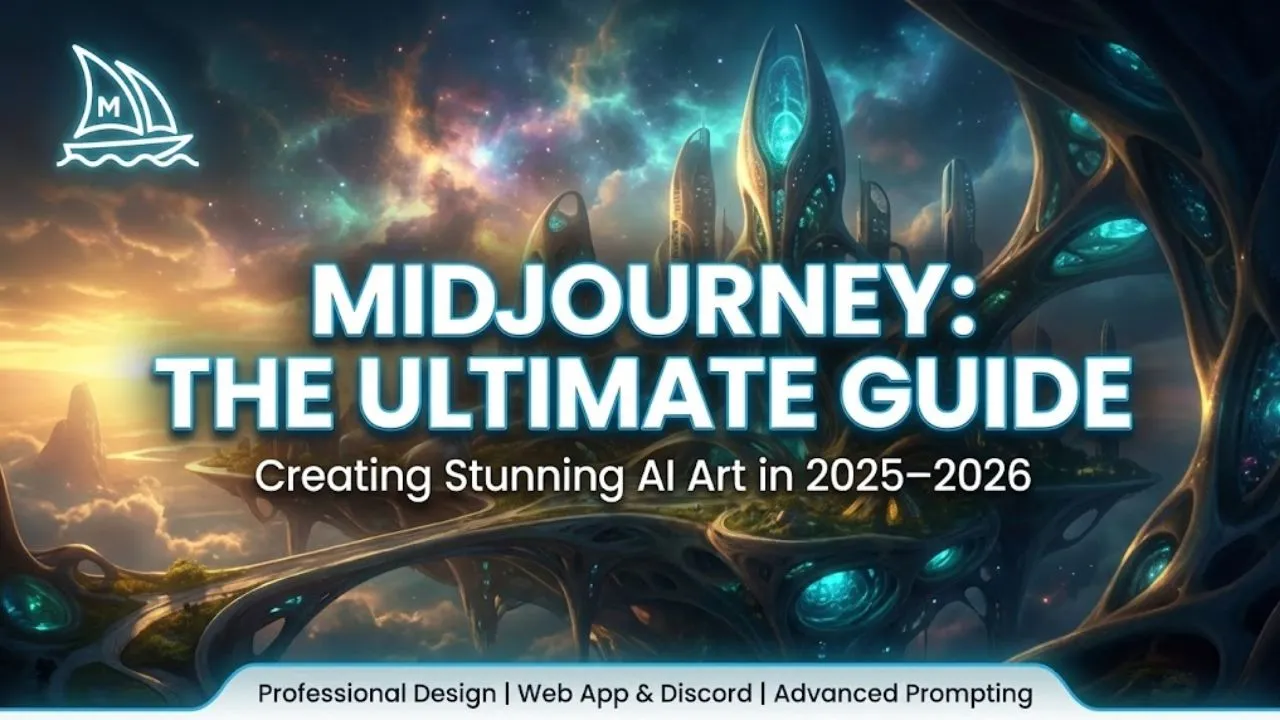
Midjourney is one of the most powerful and visually impressive text-to-image AI generators available today. Known for its artistic quality, cinematic lighting, surreal creativity, and strong community, Midjourney has become the go-to tool for digital artists, designers, marketers, game developers, filmmakers, and hobbyists who want professional-grade results fast.
In this complete guide, we’ll cover everything you need to know about Midjourney in 2026: how to get started, how to write effective prompts, advanced options, pricing, and why it still stands out among competitors like DALL·E 3, Stable Diffusion, Flux, and Ideogram.
How to Get Started with Midjourney
Midjourney runs entirely through Discord or its new web app (midjourney.com).
Step-by-Step Setup (2026)
- Go to midjourney.com Click “Sign Up” (or “Join Now”) in the bottom right.
- Choose Sign-in Method
- Fastest: Continue with Google
- Alternative: Discord account (still required for full Discord mode)
- Subscribe to a Plan Midjourney is not free for image generation (as of late 2024–2026). You must choose a paid plan:
- Basic: ~200 fast images/month (~$10/mo)
- Standard: Unlimited relaxed generations + 15 fast hours/month (~$30/mo)
- Pro: Unlimited relaxed + 30 fast hours/month + stealth mode (~$60/mo)
- Mega: Unlimited relaxed + 60 fast hours/month (~$120/mo)
- Land on the Web Interface After subscribing, you’ll see the Explore tab (inspiration gallery) and Create tab (your workspace).
Crafting the Perfect Prompt
Midjourney is extremely sensitive to prompt quality. A vague prompt gives random results; a detailed one produces magic.
Beginner Prompt (weak results) girl on playground
Advanced Prompt (much better control) young girl with joyful expression swinging on a bright orange playground slide, golden hour sunlight, cinematic lighting, soft bokeh background, ultra-detailed, photorealistic, 8k –ar 2:3 –stylize 250 –v 6
Key Prompting Techniques
- Descriptors: mood, lighting, style (cinematic, hyperrealistic, oil painting, cyberpunk, Studio Ghibli)
- Artists: “in the style of Greg Rutkowski, Alphonse Mucha, James Gurney”
- Quality boosters: ultra-detailed, 8k, sharp focus, award-winning, masterpiece
- Parameters (add at end with –):
- –ar 16:9 → aspect ratio
- –v 6 → model version (v6 is current best in 2026)
- –stylize 100–1000 → artistic flair (low = literal, high = creative)
- –weird 0–3000 → experimental, bizarre results
- –chaos 0–100 → more variety in the 4 grid images
- –q 2 → higher quality (uses more GPU time)
- –style raw → less automatic beautification
Exploring the Midjourney Web Interface (2026)
- Explore Tab → Inspiration gallery. Click any image → “Use Prompt” to remix it.
- Create Tab → Your personal workspace. Type prompt → press Enter.
- Generate 4 images → Midjourney always gives 4 variations.
- Actions under each image:
- Vary (Subtle / Strong) → slight or dramatic changes
- Upscale (Creative / Subtle) → higher resolution + detail
- Remix → edit prompt and regenerate
- Pan → extend image in any direction
- Zoom Out → wider view
- Editor → erase parts and regenerate (inpainting)
- Image Prompt → use existing image as reference
- Style Reference → copy aesthetic/style
- Character Reference → keep consistent character/face
Advanced Features & Tips
- Personalization — Rank ~200 images in tasks → Midjourney learns your aesthetic taste
- Turbo Mode — 4× faster generations (costs 2× GPU time)
- Raw Mode → disables Midjourney’s automatic beautification
- Image Weight (–iw) → stronger influence from reference image
- Multi-Prompts — use :: to separate concepts with different weights Example: cyberpunk city::2 rainy night::1 neon signs::1.5
Pricing & Plans (Late 2024–2026)
- Basic → ~200 fast images/month (~$10/mo)
- Standard → unlimited relaxed + 15 fast hours (~$30/mo)
- Pro → unlimited relaxed + 30 fast hours + stealth mode (~$60/mo)
- Mega → unlimited relaxed + 60 fast hours (~$120/mo)
1 fast hour ≈ 60 fast images (rule of thumb).
Why Midjourney Still Dominates in 2026
- Unmatched artistic quality and coherence
- Best prompt understanding and style control
- Strong community on Discord (millions of users sharing prompts)
- Web app now almost as powerful as Discord bot
- Continuous updates (v6 model is exceptionally good)
Read Also: Stable Diffusion: The Open-Source Revolution That Made AI Image Generation Accessible to Everyone
Limitations
- No free tier for serious use
- Subscription-based (no pay-per-image option)
- Discord learning curve for advanced users
- Occasional content moderation (blocks some NSFW or sensitive prompts)
Final Thoughts
Midjourney isn’t just an AI image generator — it’s a creative superpower. With the right prompt, you can produce gallery-worthy art, marketing visuals, game assets, book covers, or wild experimental concepts in seconds.
Whether you’re a professional designer or a curious beginner, Midjourney rewards creativity and experimentation. Start simple, study great prompts from the Explore tab, and watch your imagination come to life.
Ready to create? Head to midjourney.com, subscribe, and type your first prompt today.
Disclaimer: This article is based on Midjourney’s official features, pricing, and user interface as documented in late 2024–early 2026. Plans, model versions (v6+), generation speeds, and capabilities can change with updates. Always check midjourney.com or the official Discord for the latest information, pricing, and terms of service.