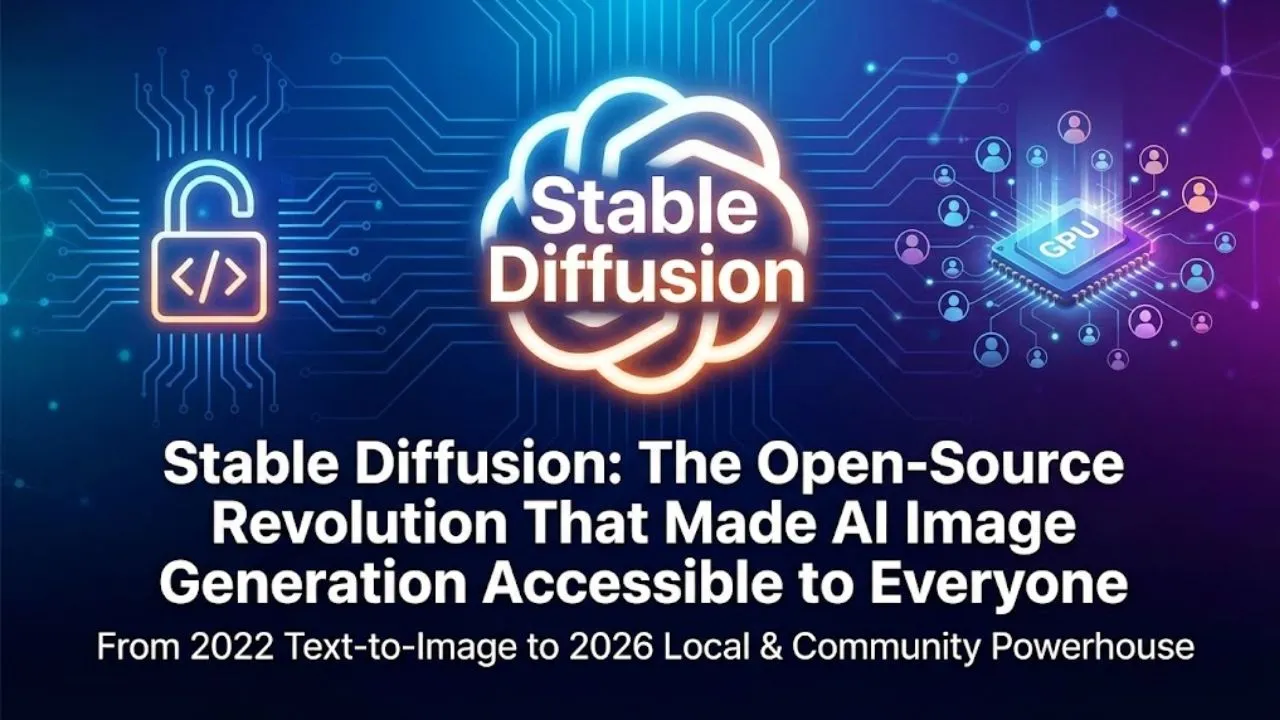
Stable Diffusion is the most influential open-source text-to-image model in the world. Released in 2022 by Stability AI, it democratized generative AI — allowing anyone with a decent computer (or even a laptop) to create stunning, creative images from simple text prompts. Unlike closed models (DALL·E, Midjourney), Stable Diffusion is fully open-source, customizable, and runs locally — which is why it exploded in popularity and remains dominant in 2026.
In this blog post, we’ll break down exactly what Stable Diffusion is, how it works (in simple terms), why it became so powerful, and how people use it today.
What Is Stable Diffusion?
Stable Diffusion is a latent diffusion model that generates high-quality images from text descriptions (prompts). It can also:
- Create variations of existing images
- Edit parts of images (inpainting)
- Extend images (outpainting)
- Turn sketches or low-res images into detailed art
- Generate images in specific styles (anime, photorealistic, oil painting, cyberpunk, etc.)
The original Stable Diffusion 1.4/1.5 models (2022) were only ~2.1–4 GB in size — tiny compared to closed models — yet produced results rivaling or beating early DALL·E and Midjourney versions.
Why Stable Diffusion Became So Popular
- Completely open-source (CreativeML Open RAIL-M license) → anyone can download, modify, run locally
- Runs on consumer hardware — 4–8 GB VRAM GPU is enough for good results
- Massive community ecosystem — Automatic1111 WebUI, ComfyUI, InvokeAI, Fooocus, Deforum, ControlNet, LoRA, DreamBooth
- Fine-tuning made easy — Train custom styles, characters, or concepts with just 10–50 images
- No censorship by default → full creative freedom (though many UIs add optional filters)
How Stable Diffusion Actually Works (Simplified)
Stable Diffusion uses a clever two-stage process:
- Latent Space Magic
- Instead of working directly on huge 512×512 pixel images (millions of values), it compresses images into a smaller “latent” representation using a Variational Autoencoder (VAE).
- This shrinks the problem size dramatically — from ~786,000 values to ~64×64×4 = ~16,000 values.
- Diffusion Process (the core innovation)
- Start with pure random noise in latent space.
- Gradually remove noise step-by-step (usually 20–50 steps) until a clean image emerges.
- At every step, the U-Net predicts how much noise to subtract — guided by the text prompt.
- Text Guidance with CLIP
- Text is turned into a vector using CLIP (a model trained on 400 million image-text pairs).
- CLIP tells the U-Net: “This noise should become a cyberpunk samurai holding a katana.”
- Self-attention layers help the model understand word relationships and positions.
- U-Net Architecture
- Shaped like a “U” — encoder compresses → bottleneck understands content → decoder reconstructs with details.
- Skip connections keep fine details from being lost.
Result: A trained model can denoise random noise into almost anything — as long as it saw similar concepts during training.
The Training Data (LAION-5B)
Stable Diffusion 1.5 was trained on LAION-5B — a massive open dataset of 5.85 billion image-text pairs scraped from the internet.
- 2.3 billion English pairs were used for the main model.
- Legal/ethical debates continue (copyright, consent), so newer models (SDXL, Flux, SD3) use filtered or synthetic data.
Popular Interfaces & Tools in 2026
- Automatic1111 WebUI — Still the most popular (features ControlNet, extensions, LoRA support)
- ComfyUI — Node-based workflow (power users love it for complex pipelines)
- InvokeAI — Clean, professional interface
- Fooocus — Simplest for beginners (just type prompt and go)
- Stable Diffusion Web (stablediffusionweb.com) — Browser-based, no install
- ControlNet, IP-Adapter, T2I-Adapter — Add pose, depth maps, canny edges, or reference images
- LoRA & Textual Inversion — Train custom styles/characters with 5–20 images
Read Also: DALL·E: The AI That Turned Words into Worlds
Real-World Use Cases in 2026
- Concept Art & Game Design — Rapid character/environment prototyping
- Advertising & Marketing — Instant product mockups, social media visuals
- NFT & Digital Art — Base images for artists to refine
- Film & Animation — Storyboards, pre-viz, background generation
- Education — Visualize historical scenes, scientific concepts
- Product Design — Packaging, fashion, furniture renders
- Personal Projects — Custom wallpapers, memes, book covers, AI portraits
Strengths & Limitations
Strengths
- Free and local — no subscription, no rate limits
- Infinite customization (fine-tuning, ControlNet, LoRA)
- Huge community — thousands of models on Civitai.com
- Runs on modest hardware (8 GB VRAM is comfortable)
Limitations
- Requires technical setup (for best results)
- Can produce artifacts (hands, text, anatomy) without good prompts
- Legal/ethical concerns around training data
- Slower than cloud APIs for very high resolutions
Final Thoughts
Stable Diffusion didn’t just create images — it democratized visual creativity. Before 2022, high-quality AI art required expensive cloud credits or closed APIs. Today, anyone can download a model, run it locally, fine-tune it on their own photos, and build entirely new styles — all for free.
In 2026, while Midjourney, DALL·E 3, Flux, and Ideogram push quality higher, Stable Diffusion remains the most flexible, community-driven, and hackable option. It’s the Linux of text-to-image AI — open, powerful, and endlessly extensible.
Want to try it? Start with Fooocus (easiest) or Automatic1111 (most powerful) — both free and open-source.
The future of art is local, open, and in your hands.
Disclaimer: This article is an educational overview of Stable Diffusion based on its official releases (Stability AI), community tools, and usage patterns as of February 2026. Model performance, legal status of training data, hardware requirements, and community projects can change. Always refer to stability.ai, civitai.com, or the official GitHub repositories for the latest models, licenses, and safety guidelines.