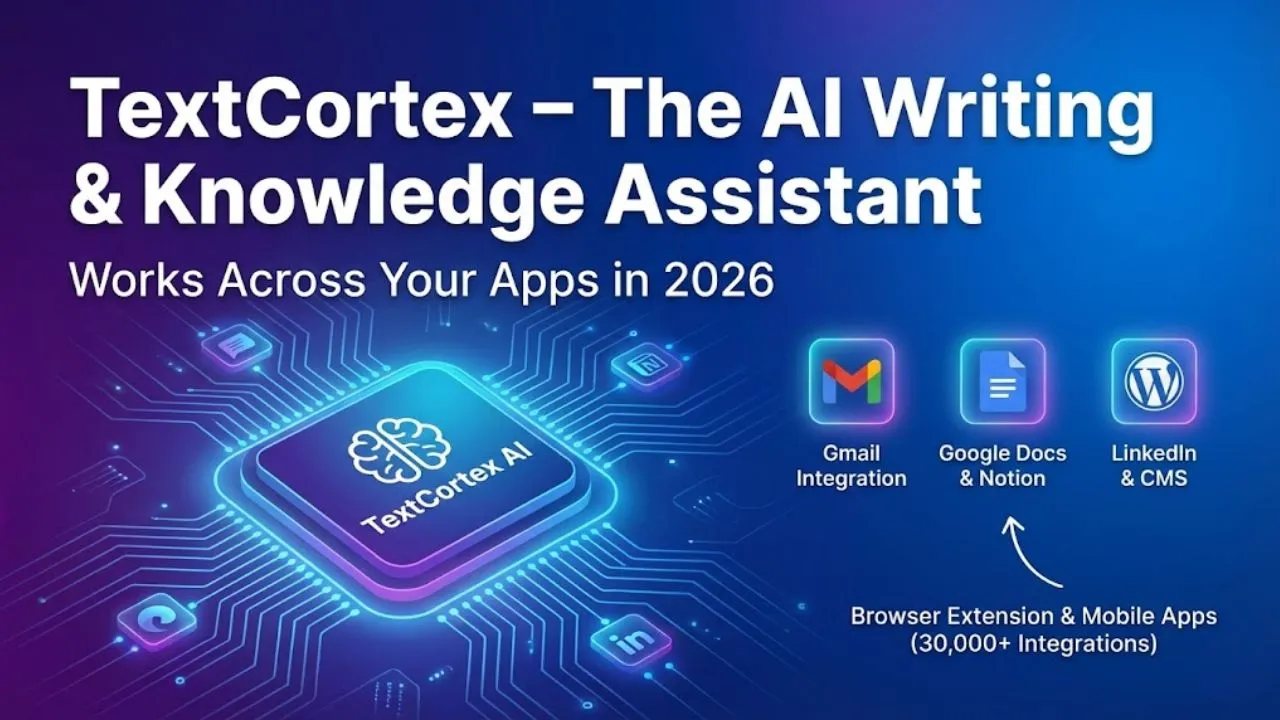
TextCortex is one of the most versatile and underrated AI writing tools available today. It combines fast copy generation, long-form article writing, tone matching, knowledge base integration, and — most importantly — seamless integration across 30,000+ apps and websites through its browser extension and mobile apps.
In early 2026, TextCortex remains a favorite for freelancers, marketers, content creators, students, researchers, and teams who want an AI that lives inside Gmail, Google Docs, Notion, LinkedIn, WordPress, Slack, Canva, Shopify, and hundreds more — so you never have to copy-paste or switch tabs.
Here is the complete overview of TextCortex as of February 2026 — including features most people still don’t fully realize and why it keeps growing in popularity.
What TextCortex Actually Does
TextCortex is both a conversational AI chat and a productivity extension that works everywhere you type.
Main capabilities:
- Generate short copy (social captions, emails, ad headlines)
- Write long-form content (blog posts, essays, reports, LinkedIn articles)
- Rewrite, expand, summarize, or change tone of any text
- Pull from your personal knowledge base (uploaded docs, notes, past writing)
- Answer questions with real-time web search + citations
- Create images, translate text, brainstorm ideas
- Work directly inside Gmail, Docs, Notion, Slack, LinkedIn, WordPress, Canva, etc.
The real power is the extension — highlight any text on any website → TextCortex suggests improvements, rewrites, or generates new content in your style.
Key Features & Hidden Strengths
- ZenoChat – The Conversational Brain Full chat interface with real-time web search, file upload, image generation, and long-term memory. You can train it on your own documents (PDFs, Google Docs, Notion pages) → it becomes your personal knowledge assistant.
- Browser Extension (Works in 30,000+ Apps) This is the killer feature most people underestimate. Once installed, it appears as a small icon wherever you type:
- Gmail → write better emails
- LinkedIn → craft perfect posts & comments
- WordPress → generate blog sections
- Shopify → product descriptions
- Slack → quick replies
- Canva → captions & text ideas Highlight text → get rewrite, expand, summarize, tone change options instantly.
- Knowledge Bases & Personas Upload your own docs/notes → create custom “personas” (e.g., “My Brand Voice”, “SEO Expert”, “Motivational Coach”). All future generations use that knowledge and style automatically.
- Tone & Style Controls 20+ tones + custom training → make output match your brand perfectly.
- Image Generation & Visuals Built-in Flux.1 / SD3 level generation for visuals, thumbnails, social graphics.
- Multilingual Support Very strong in English + excellent in Spanish, French, German, Hindi, Arabic, Turkish, Portuguese, Indonesian, and more.
Pricing & Plans (Early 2026)
- Free Forever
- 20 creations/day
- Basic tones & templates
- Limited web search & image gen
- Lite (~$5.99–$9.99/month) → 100 creations/day, more tones
- Pro (~$19–29/month) → Unlimited creations, full knowledge bases, brand voice training, priority support
- Business / Team (~$59+/month) → Unlimited users, shared knowledge bases, analytics
Most active users choose Pro — unlimited creations + knowledge bases make it extremely cost-effective.
Real-World Use Cases in 2026
- Social Media Creators → Daily captions, threads, post ideas inside Instagram/LinkedIn
- Bloggers → Blog sections, intros, conclusions directly in WordPress/Google Docs
- Freelancers → Client emails, proposals, revisions in Gmail
- E-commerce Sellers → Product descriptions inside Shopify
- Marketers & Agencies → Ad copy, landing page text, email drafts
- Students & Researchers → Summarize PDFs, generate outlines, rewrite essays
Read Also:- Hypotenuse AI – The All-in-One AI Tool That Automates E-commerce & Blog Content in 2026
Strengths & Limitations
Strengths
- Best cross-app integration (extension works almost everywhere)
- Unlimited creations on Pro plan
- Strong brand voice & knowledge base training
- Excellent multilingual support
- Very fast & simple interface
Limitations
- Weaker deep SEO/topical optimization vs. Surfer or NeuronWriter
- Long-form articles good but not as strong as Claude/Sudowrite
- Image generation average
- Can hallucinate on niche/current facts
- Free tier quite limited
Final Verdict
TextCortex is not a deep research or SEO specialist tool — it is the smartest AI that lives inside all your apps.
If you want:
- AI writing that works directly in Gmail, Docs, LinkedIn, WordPress, Shopify, etc.
- Fast captions, emails, blog sections, product copy
- Strong brand voice matching
- Unlimited words on affordable Pro plan
…then TextCortex (Pro plan) is still one of the best productivity tools — especially for creators, freelancers, marketers, and anyone who writes across multiple platforms.
Quick test you can do today: Install the TextCortex extension (Chrome/Edge) → go to LinkedIn → start writing a post → click the TextCortex icon → ask it to “Write a motivational LinkedIn post about starting a side hustle.”
You’ll see why so many people never leave their workflow again.
What is your favorite TextCortex use case? Share in the comments!
Disclaimer This article is based on TextCortex’s publicly documented features, pricing, and user experience as of February 2026. Plans, word limits, model access, integrations, and capabilities can change. Always visit textcortex.com for the latest pricing, trial information, and terms of service.